01
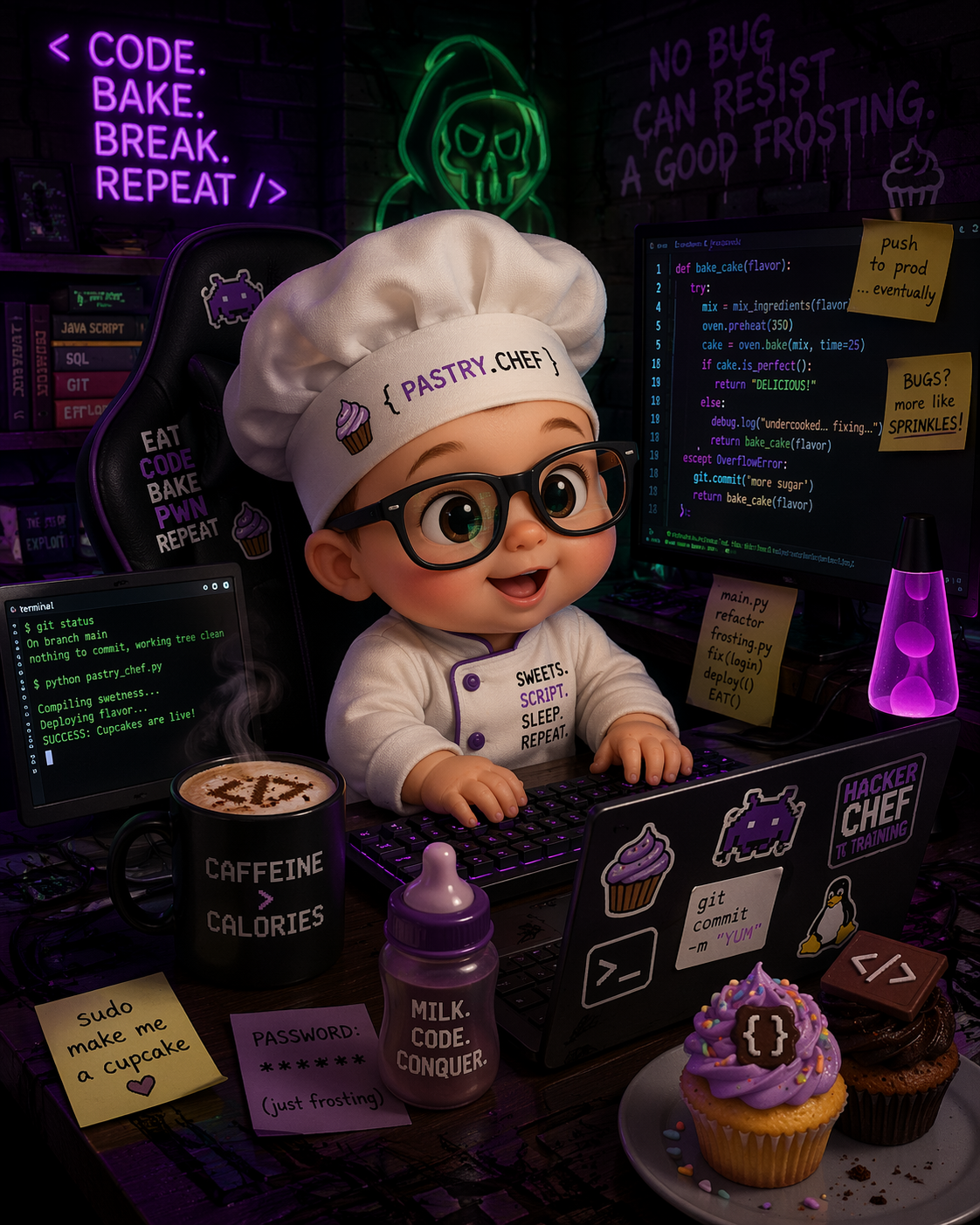
Pi was ready from the start. The point was to bake it our way.
Most AI coding environments show up useful. Fewer show up feeling like home. What stood out, even starting from a live Windows setup, was that Pi already felt ready: light, capable, and deliberately bare-bones enough to customize without fighting it.
So we anchored the whole project around one question: How do we turn that flexibility into an environment that feels like an extension of the way we already think and build?
Non-negotiables
- Travel cleanly across Windows, macOS, and Linux
- Stay provider-flexible and use what fits the moment
- Build a Pastry Pi identity that felt fully ours
- Add guardrails before more autonomy
- Avoid mutating original cross-tool agents
One predictable home
We centralized the setup under %USERPROFILE%\.pi\agent so themes,
extensions, agents, workflows, and settings could live in one place Pi discovers
automatically. That made the whole system easier to reason about and easier to
maintain.
Why the bake felt so natural
Pi did not need a separate customization pipeline. It could access its own docs,
edit its own themes, extensions, agents, and settings, and then apply the result
with /reload. A lot of PastryChef was built simply by asking Pi to
update itself.
That same structure also made the bake easy to put in a GitHub repo and sync across machines while keeping auth, sessions, and runtime state local.
Public repo: github.com/virtuallifehub-del/PastryChef-Pi
02
Keep the workflow. Own the environment.
One of the easiest mistakes in AI tooling is confusing customization with replacement. We deliberately avoided that trap. Pi let us choose the provider and model that fit the moment, then change them later when the work changed.
github-copilotas the provider we were using at the timegpt-5.4as the default modelxhighfor default thinkingpastry-pi-buttercreamas the daily driver theme
Those were defaults, not a cage. They were simply the right settings for that stage of the build. We were not trying to invent a more complicated workflow. We were trying to make the existing one feel sharper, calmer, and more personal.
Good customization does not add drama. It removes translation.
03
Branding set the tone. Extensions made it useful.
The first visible layer was the Pastry Pi theme suite. We installed the themes under
%USERPROFILE%\.pi\agent\themes so Pi could discover them automatically.
The point was not decoration alone. Better theming improved legibility and made the
environment feel coherent enough to live in every day.
pastry-pipastry-pi-buttercreampastry-pi-oven-contrastpastry-pi-sugar-glaze
The next layer solved a practical problem: real work changes shape. Planning, implementation, review, debugging, and orchestration all need different lenses, so we added native Pi roles and Pi-native adaptations from the broader ecosystem.
Native Pi roles
architectbuilderreviewerdebugger
Adapted Pi-native roles
orchestratorimplementation-leadquality-guardiansolution-designerresearch-analystcopilot-web-researcher
How the role system is implemented
specialise switches the active role for the session, restores that
state cleanly, and maps common tool names where different ecosystems use different
labels. We left the originals in %USERPROFILE%\.claude\agents and
copied Pi-specific versions into %USERPROFILE%\.pi\agent\agents,
which kept the setup portable while still letting Pi use tailored instructions.
That combination made the setup flexible without making it fragile. The themes set the tone. The role system made the environment adapt to the work.
04
Trust comes from boundaries and visibility.
A coding agent only becomes truly useful when you trust it enough to delegate into. That trust comes from explicit safety, reliable session memory, and a calm view of what the system is doing.
Guardrails
Problem: risky shell commands, destructive file edits, and secret exposure.
How it works: guardrails checks shell and file actions against explicit rules,
reloads those rules on each tool call, and blocks dangerous patterns before they
run. Trusted paths plus strict and relaxed session modes
keep it protective without turning routine setup work into a fight.
The pattern matching was also refined over time. Early versions flagged harmless
shell idioms like 2>&1 and common build directory names.
Guardrails should protect without obstructing, and getting that boundary right
takes iteration.
Sticky context
Problem: one critical instruction can get lost across a long session.
How it works: /sticky stores a session-scoped entry and injects it
into the system prompt before each agent start until it is cleared or replaced.
That makes it persistent for the session without making it global.
Session status
Problem: powerful systems feel opaque when the interface is noisy and the important state is hidden.
How it works: session-status renders a compact footer with the active
model, context usage, current directory, git branch, and high-signal extension
states. It hides low-value telemetry so the system stays legible while you work.
Trust is not only about safety. It is also about legibility.
05
Research had to be flexible too.
We wanted public-web and documentation research from inside Pi. At the time, GitHub
Copilot CLI already gave us what we needed, so we wrapped it as
copilot_research.
Why that approach fit
- it solved the problem in front of us
- it reused a capable local tool
- it kept the integration light
- it preserved the option to switch later
Under the hood, the tool uses local GitHub Copilot CLI /research mode.
The bigger point, though, was architectural. Pi let us extend the environment with the
research backend that fit the moment, and that same extensibility means we can change
providers later if the need changes.
The idea was clean. The Windows reality was messier. We had to handle command
resolution, process spawning quirks, quoting, prompt files, and the difference between
copilot and copilot.cmd without turning the integration into
something brittle.
What made it tricky
copilotvscopilot.cmd- process spawning behavior
- quoting and argument handling
- stability for future workflow use
What made it work
- Windows-aware command handling
- a safer spawn strategy
- prompt-file based invocation
- real smoke tests through Pi itself
The elegant idea is only half the work. Platform-specific reliability is the other half.
06
Subagents were for discovery. Workflows were for delivery.
Subagents are exciting right up to the moment they start stepping on each other. We wanted background research, isolated analysis, and parallel investigation. We did not want multiple unsupervised editors racing through the same codebase.
Subagents
- background research
- analysis and follow-up investigation
- progress visibility
- safe isolation from the main flow
Workflows
- design, implement, review, and debug stages
- artifact handoffs between roles
- approval gates before write-heavy stages
- bounded loops and deterministic validation
- non-blocking execution with a progress widget in chat
/workflow-cancel [name|all]to stop any running workflow
That distinction changed everything. Instead of stretching subagents into every shape,
we gave deep work its own home with a dedicated workflows extension.
But the goal was never a rigid process library. Our workflows change as we adapt every
day, and Pi can change with us. Built-in flows like design,
design-implement, full-cycle, debug-fix, and
review-fix-loop gave us a strong starting point for multi-step work,
not a permanent ceiling.
Running a workflow no longer blocks the conversation. Each one starts in the
background and returns a progress widget to chat immediately, showing the stage plan
and live status as it advances. /workflow-cancel [name|all] stops any
running workflow on the spot.
What workflow packs added
Project-local workflows can now live under <project>\.pi\workflows
with nested folders, optional _pack.json metadata, categories, tags,
hidden workflows, and pack descriptions. Commands like /workflow-packs,
/workflow-info <name>, and filtered /workflow list
turn those definitions into a team-browsable catalog instead of a folder people have
to memorize.
Props and what sharpened the bake
- Props to IndyDevDan for pi-vs-claude-code, which helped frame what was worth comparing, borrowing, and rethinking as we shaped Pi on its own terms.
- Props to Cole Medin for Archon, which reinforced the value of workflow-as-code and making orchestration something a team can inspect and evolve.
- Stripe Minions left us with one of the clearest lessons in the whole bake: prefer specialized workers, bounded loops, and explicit handoffs over loose swarms.
07
What the bake became
By the end, PastryChef was our name for the way we had baked Pi into an environment that fit us. It had become a point of view about how we want to work with AI tools.
- branded, but practical
- expressive, but readable
- powerful, but bounded
- multi-role, but coherent
- current, but not dependency-hungry
- customizable, but calm
The finished setup combines a Pastry Pi theme suite, Pi-native roles and adapted agents, guardrails, sticky context, calmer status, research through the provider that fit the moment, subagents for investigation, staged workflows for delivery, and workflow packs for shared process design.
More importantly, none of it is frozen. Providers can change. Tools can change. Workflows can change day by day. Pi can change with us.
It was baked, not merely assembled.
08
The takeaway
If you are shaping your own AI coding environment, do not just optimize for capability. Optimize for fit.
Keep the workflow you already trust. Make the system legible. Add guardrails before you add more autonomy. Respect the platform you are actually on. And make the whole thing feel like somewhere you actually want to work.
That is what PastryChef taught us: not just how to customize Pi, but how to make it feel like home.